
Your needs, this model
Does it fit your priorities?
Can a supported Windows USB-C setup require four 5 Gbps USB-A sockets without drivers?
Yes. The maker’s port map and data specification establish that mix.
Explore this need in the finder →Can the four outputs include a USB-C data port?
No. The actual downstream map has four USB-A sockets.
Explore this need in the finder →Is the USB-A plug adapter a supplied wall power adapter?
No. It changes the host plug; a supplied AC adapter is not established.
Explore this need in the finder →Four USB-A accessories from a USB-C host
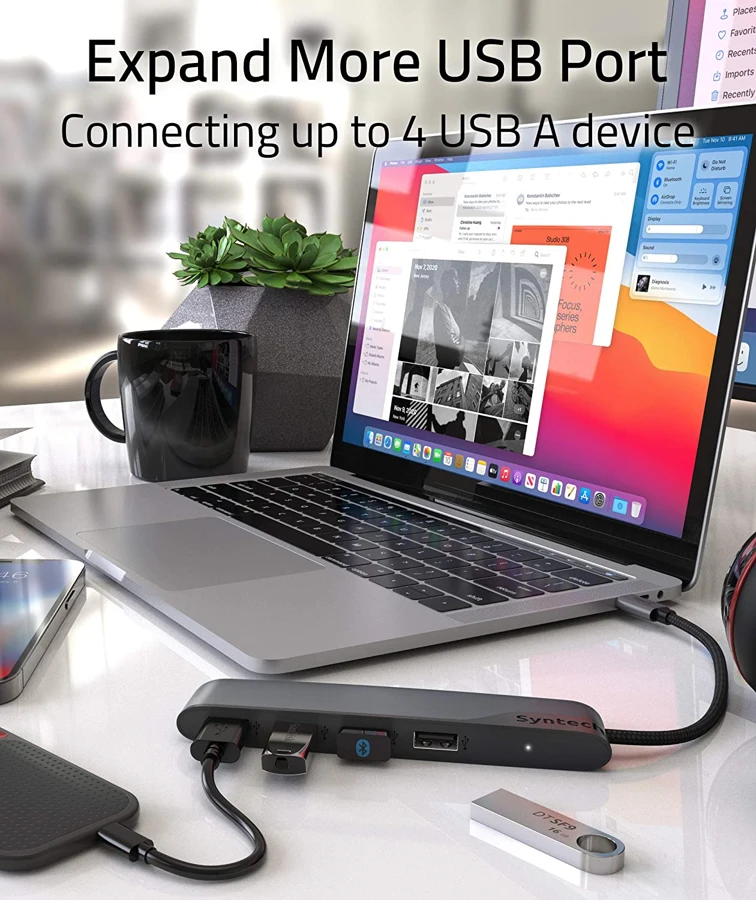
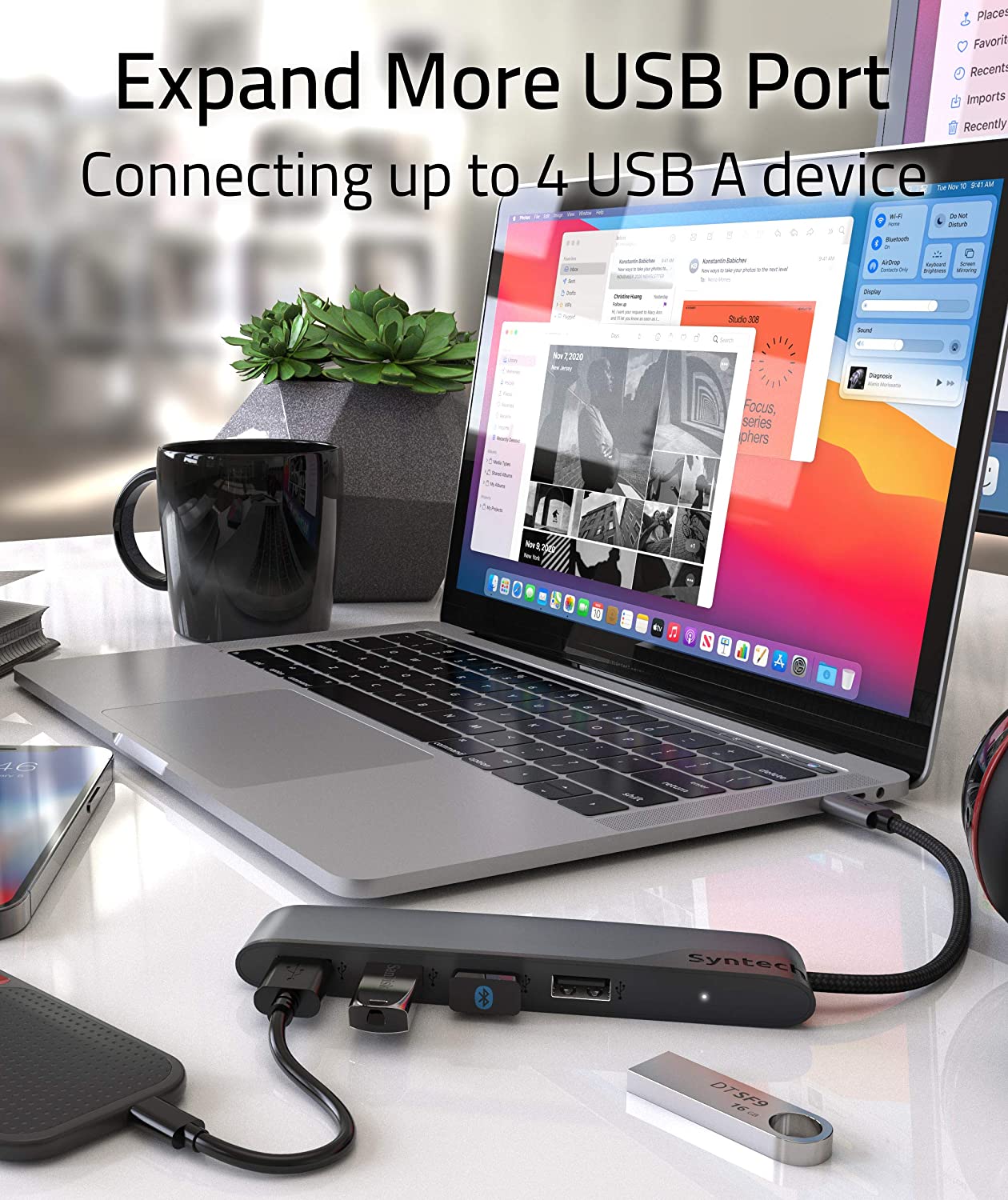
The Syntech M20C is a data hub with four USB-A downstream sockets. The original manufacturer's illustration explicitly shows and labels that arrangement, while the product page advertises transfer up to 5 Gbps. It is a focused option for a computer or supported tablet that needs more ordinary accessory connections.
A useful first step is to list the accessories that must work together. Four sockets can be used quickly by a keyboard, mouse, storage device and another peripheral. If the task also includes an HDMI screen, Ethernet or a card slot built into the hub, those should be separate requirements in the purchase decision.
Choose the host connection deliberately
The main host cable ends in USB-C, and Syntech describes an included USB-A adapter that allows the hub to connect through USB-A instead. This is a computer-plug adapter. It should not be confused with a supplied AC power adapter or a new USB-C laptop charging input.
Keep the small adapter with the kit if the hub will move between computers with different sockets. Check the complete plug arrangement and available clearance on each host rather than assuming that a connector change preserves every possible function of the computer port. The documented purpose here is USB data expansion.
The manufacturer names examples including MacBook, iPad, Google Pixelbook, Dell XPS and Samsung Galaxy devices. Its Mac references do not identify individual Apple Silicon chips. For an unlisted host or an unusual accessory, check the exact device and software requirements before relying on a permanent setup.
The four outputs are data connections
The advertised 5 Gbps figure is an interface ceiling, not a measured transfer result for every connected drive. Multiple peripherals share the computer connection, and the storage device, cables and workload still affect practical speed. Four sockets do not establish four independent full-speed upstream links.
Syntech describes operation without additional drivers or software. That makes the hub itself straightforward to connect, but it does not remove an attached peripheral's own software requirements. Confirm that a printer, specialist controller or storage format is supported by the intended host.
On a tablet, check the actual application workflow as well as the physical plug. A USB storage device that fits the socket still needs a format and file-handling path the tablet can use. A broad accessory list should not be read as proof that every device class works identically on every supported platform.
Keep charging outside the main plan
The page discourages using the hub for phone or tablet charging. It also includes separate charging figures associated with the adapter, without a clear host-delivered PD charging arrangement. This assessment does not turn those figures into a laptop charging promise.
The four-port data layout has no documented USB-C charging input. Account for how the host will receive power while the hub is connected, using the computer's own supported charging options. If several attached accessories have high power demands, obtain an exact combined-load answer rather than assuming four physical sockets guarantee every workload.
Select the cable version that reaches
Syntech offers half-foot and two-foot cable versions on the product page. The inherited historical listing does not establish which length it represented. Check the selected version on an actual offer and measure the cable route around the desk, monitor stand or tablet support.
Leave enough slack to insert and remove accessories without pulling the host plug sideways. Also consider wide USB-A connectors: a hub can have enough sockets numerically while a bulky accessory makes a neighboring position less convenient to use.
Choose M20C for its documented four USB-A data sockets, appropriate host-plug option and selected cable length. The original Syntech product page supplies the operating claims used here. No hands-on transfer, thermal or charging measurements, or Thunderbolt certification, are claimed.
Key details at a glance
| USB-A downstream data ports | 4 |
|---|---|
| USB-C downstream data ports | 0 |
| HDMI outputs | 0 |
| Full-size DisplayPort outputs | 0 |
| Mini DisplayPort outputs | 0 |
| USB-C video outputs | 0 |
| Full-size SD slots | 0 |
| microSD slots | 0 |
| Detachable host cable | No |
| Host requirements | USB-C host cable or the included USB-A plug adapter. Generic MacBook names do not establish individual Apple Silicon chips. |
| Power and charging | No PD input appears in the documented four-USB-A layout. Phone/tablet charging is discouraged. A USB-A plug adapter is not an AC supply. |
| Data and device limits | Four USB-A data outputs are confirmed by the exact maker image; up to 5 Gbps is advertised. All use the shared host connection. |
| Installation | Half-foot and two-foot versions are offered. The historical cable variant is not mapped, so its numerical length remains unknown. |
Use the exact model’s instructions for operating limits, supplied equipment and version differences.
Sources for this assessment
Find a hub or dock for your desk.
Match the computer, screens, devices and charging routine, then check the exact supported arrangement.