
Your needs, this model
Does it fit your priorities?
Can I add four USB-A devices without a hub driver?
Yes, within the maker’s Windows/Mac operating context and suitableUSB-A host arrangement.
Explore this need in the finder →Is this the version with four independent buttons?
No. The 30414is the separately documented switched model; this 30413has the simpler port layout.
Explore this need in the finder →Can it provide a 4Kscreen?
No. There is no documented display output on this data hub.
Explore this need in the finder →A simple four-port arrangement
The WAVLINK WL-UH30413 is a four-port USB-A data hub with an attached USB-A computer lead. It is the simpler choice in this part of the range: four familiar sockets, a vertical layout and an indicator, without the separate on/off controls documented for the similarly named30414.
It makes sense when the computer already handles its screen and charging needs, but a keyboard, receiver, drive or another accessory needs a convenient connection. A focused data hub can be easier to place and use than a larger dock bought for functions you do not need.
Port layout is the practical difference
WAVLINK describes the vertical arrangement as a way to make plugging and unplugging easier. Look at the size of the actual accessory plugs rather than assuming that four sockets guarantee a comfortable fit for every combination. A wideUSBstick or right-angle cable can take more room than its connector alone suggests.
The attached lead gives some separation from the host socket. Plan where the body will rest and leave slack for the connected cables. The hub should not hang from the computer port under the weight of several accessories.
What the speed claim provides
The manufacturer advertises data rates up to5Gbps. That is an interface capability, not our measured file-copying result. The host and devices must support an appropriate mode, and the four ports share the upstream connection.
A keyboard and receiver create a different demand from several storage drives operating together. If the need is primarily more connection points, this layout addresses it directly. If the need is several independent fast links, a four-port hub does not provide those merely by having four sockets.
Keep power and dock functions separate
The maker says no separate power supply is needed and lists the hub and printed documents in the package. That is convenient for a light peripheral arrangement, but it does not create an unlimited power budget. Check the requirements of demanding devices, particularly when several will run together.
There is no documented laptop Power Delivery path,HDMIoutput,Ethernetor card reader. TheUSB-Ahost connection is for the hub's data role. A one-cable charging workstation or external-screen requirement needs a different kind of product.
Which user should choose it?
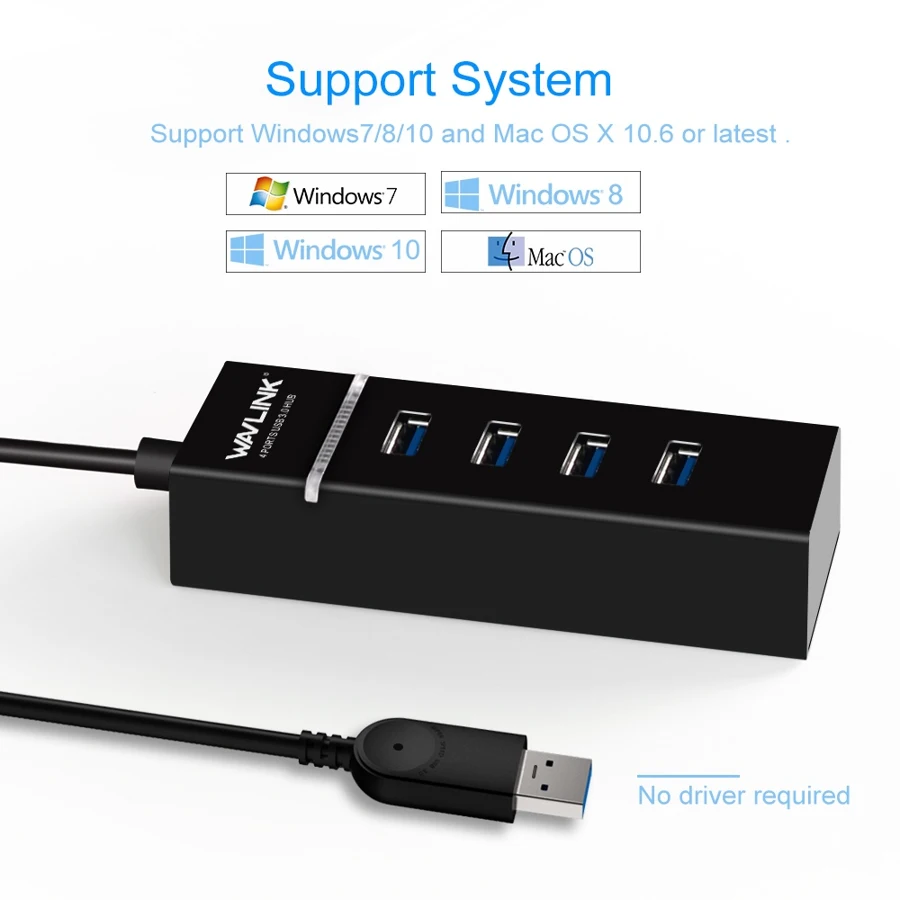
The original table names Windows10 andMacOSX,and the maker's image adds Windows7/8/10andOSX10.6or later. It describes no-driver setup for the hub. Individual peripherals can still have their own software requirements, and no exact laterApple-chip support is inferred from that broad family description.
Choose the WL-UH30413 when fourUSB-Adata ports and a straightforward layout are enough. Choose30414if individual controls are the reason for buying, a powered hub for an explicit peripheral-power requirement, or a multiport dock for video and charging. The model earns its place by keeping ordinary data expansion simple.
Key details at a glance
| USB-A downstream data ports | 4 |
|---|---|
| USB-C downstream data ports | 0 |
| HDMI outputs | 0 |
| Full-size DisplayPort outputs | 0 |
| USB-C video outputs | 0 |
| Full-size SD slots | 0 |
| microSD slots | 0 |
| Maximum stated power available to host | 0W |
| Power adapter included | No |
| Detachable host cable | No |
| Individual port switches | No |
| Power and charging | Maker says no external supply is required; no laptop-charging route is documented. |
| Data and device limits | Four USB-A ports advertised at 5Gbps share the computer connection. The 30414is the separately documented switched model. |
Use the exact model’s instructions for operating limits, supplied equipment and version differences.
Sources for this assessment
Find a hub or dock for your desk.
Match the computer, screens, devices and charging routine, then check the exact supported arrangement.